
Learning how to make Reels on Instagram is simple. However, mastering Reels so that they excel is something altogether different. If you’re wondering, “Why bother?” consider that Reels are highly favourable with content creators and businesses alike. They reportedly generate 22% more new followers than videos posted on your Feed, making them an excellent way to grow your audience. They also represent over half the content reshared in direct messages (DMs). The algorithm considers Shares to be one of the most important engagement metrics, so using this feature well can greatly impact your visibility.
Just starting out? Accounts with under 5,000 followers have the highest Reels reach rates, making them a fantastic tool for helping rising creators get noticed. So it’s time to get on board. Welcome to your all-in-one guide to making algorithm-friendly IG Reels, from the basics to the optimisation tactics that’ll win the best rewards for your efforts.
JUMP TO
According to Instagram, Reels are a “way to create and discover short, entertaining videos.”
According to pretty much everyone else, Reels are Instagram’s answer to TikTok.
Whichever way you cut it, Reels are short-form, full-screen vertical videos you scroll through in the app. The more you watch, the more Instagram’s algorithm learns about what you like and the more it shows you that same type of content.
Reels differ from Instagram Stories because they:
- Don’t disappear after 24 hours
- Offer up to 90 seconds of run time, versus 15 seconds with Stories
- Feature a vast suite of editing tools and audio tracks
- Are discoverable for all users
- Can be uploaded to the Reels tab and Feed, as well as Stories
- Might be added to the Explore tab
Reels are highly visible and highly accessible. They’re a potential golden ticket for building engagement and going viral, especially for creators and influencers.
The good news for those new to Reels is that they’re relatively easy to create. Here’s our step-by-step guide:
Open the app, hit the ‘+’ button at the bottom, then scroll along to ‘Reel’.
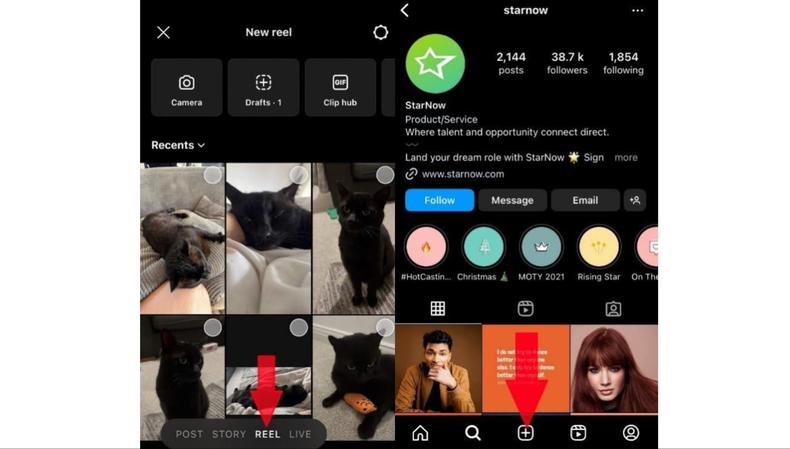
From there, you can record a series of clips or a single stream by hitting the camera icon and then holding the recording circle.
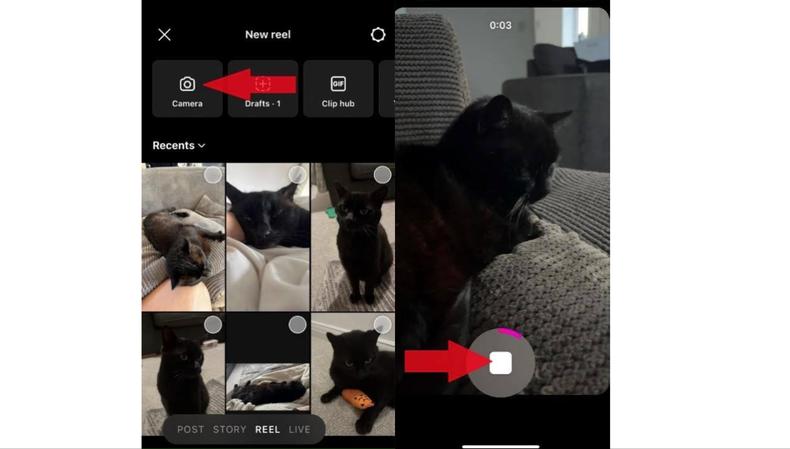
You can also shoot outside the app and upload from your camera roll.
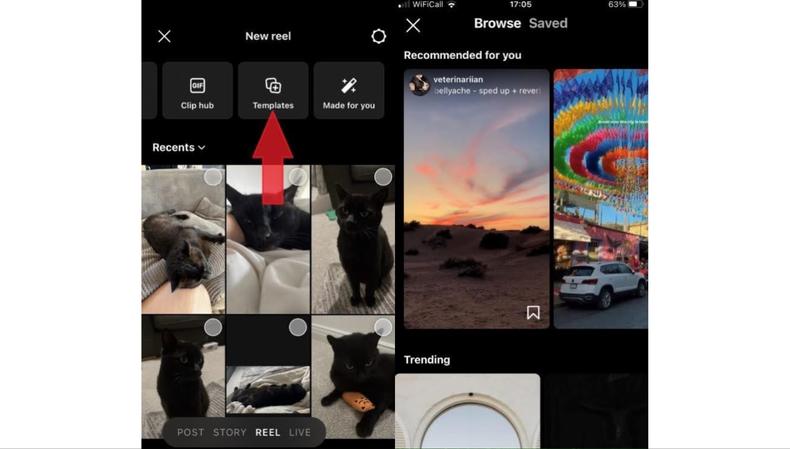
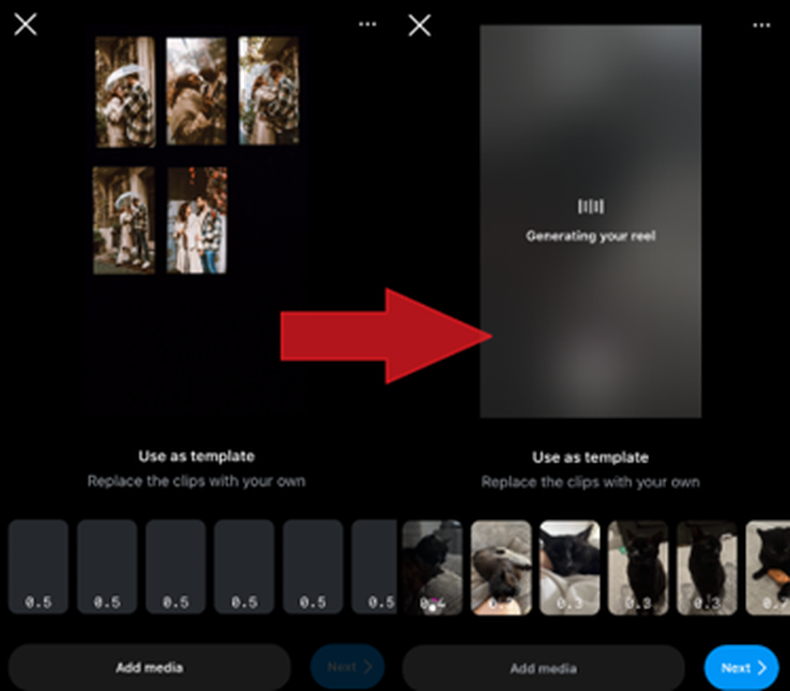
To make the footage more engaging, hit the ‘Templates’ button to combine your own photos or video clips with existing blueprints. Each one offers preset music, layouts, and timed transitions – all you need to do is replace the content with your own.
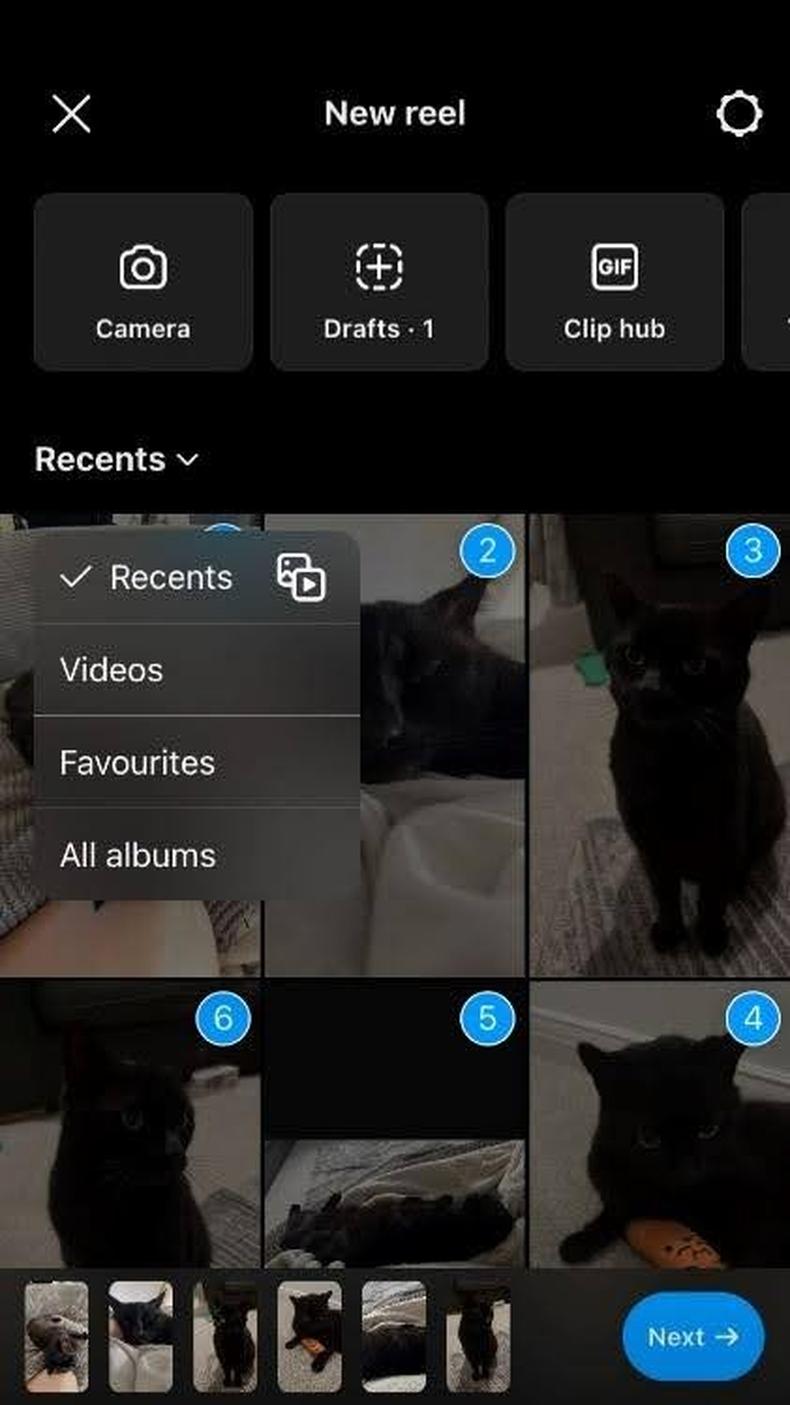
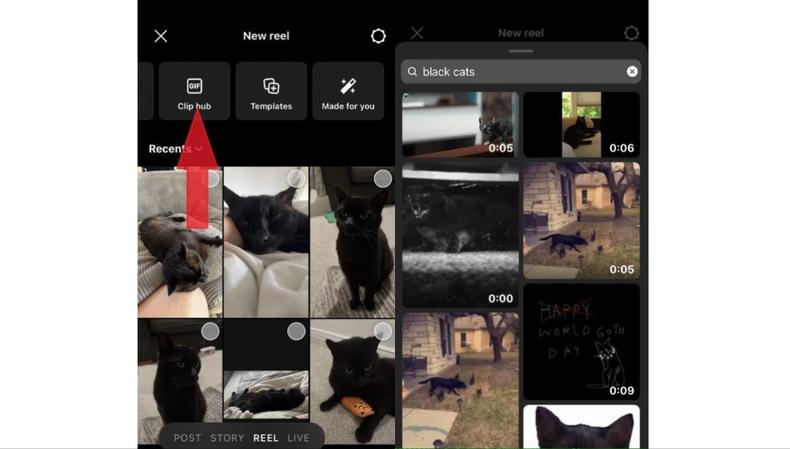
Within the ‘Clip Hub’ function, you can upload a preexisting slice of video and add your own edits.
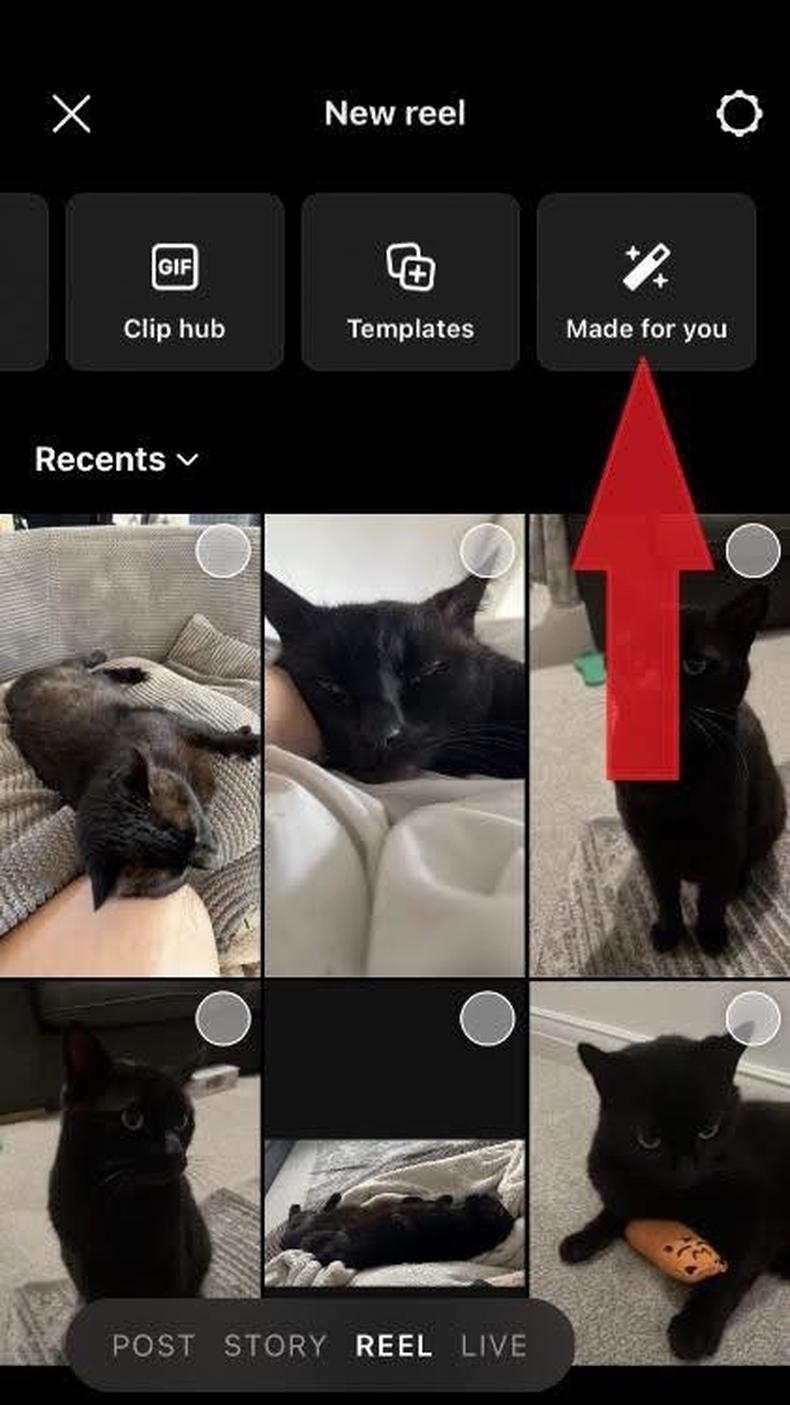
Think there’s more mileage in one of your older Reels? Select ‘Made for You’ to repurpose them.
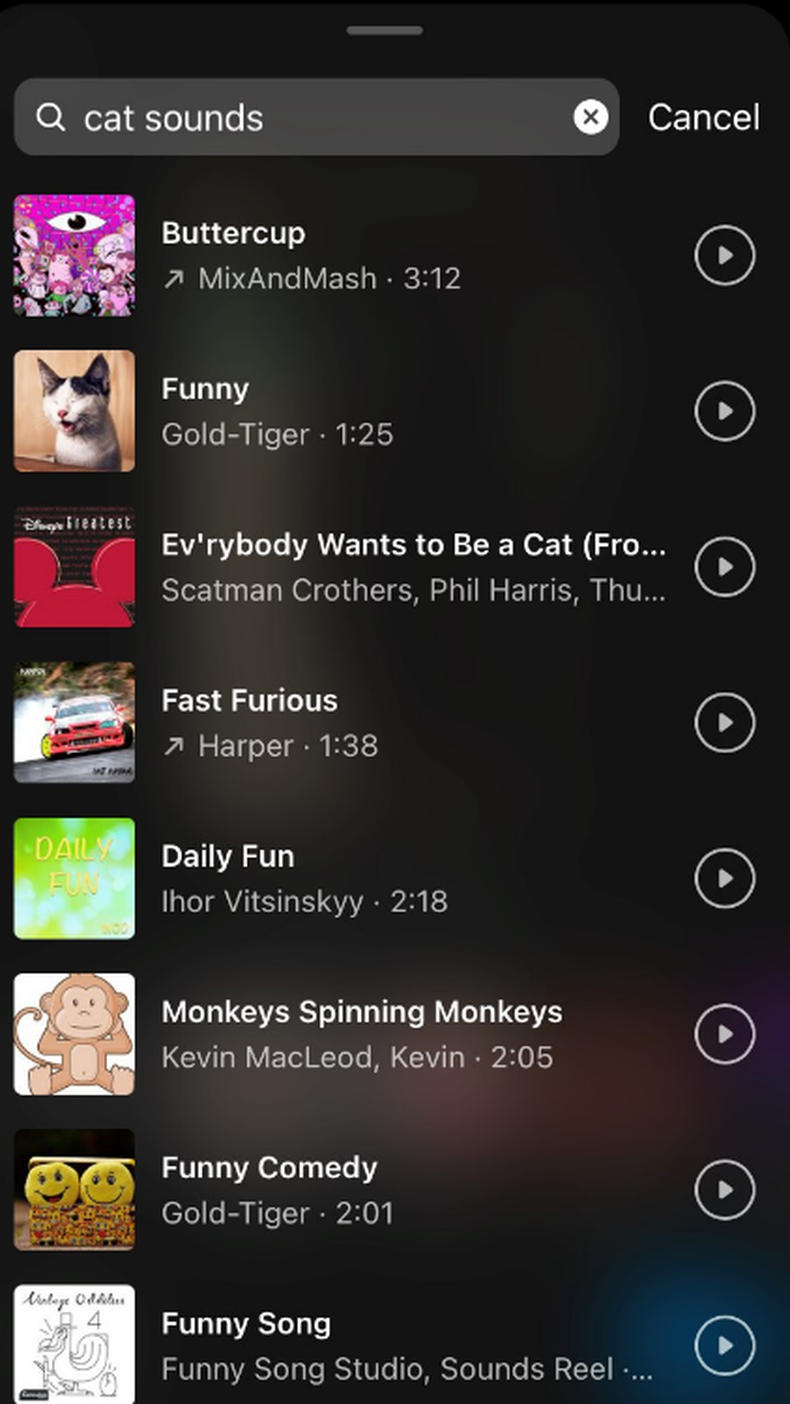
With your footage uploaded, there’s still more you can do to make your Reels really pop. Explore your options and have a go at adding:
Audio and music
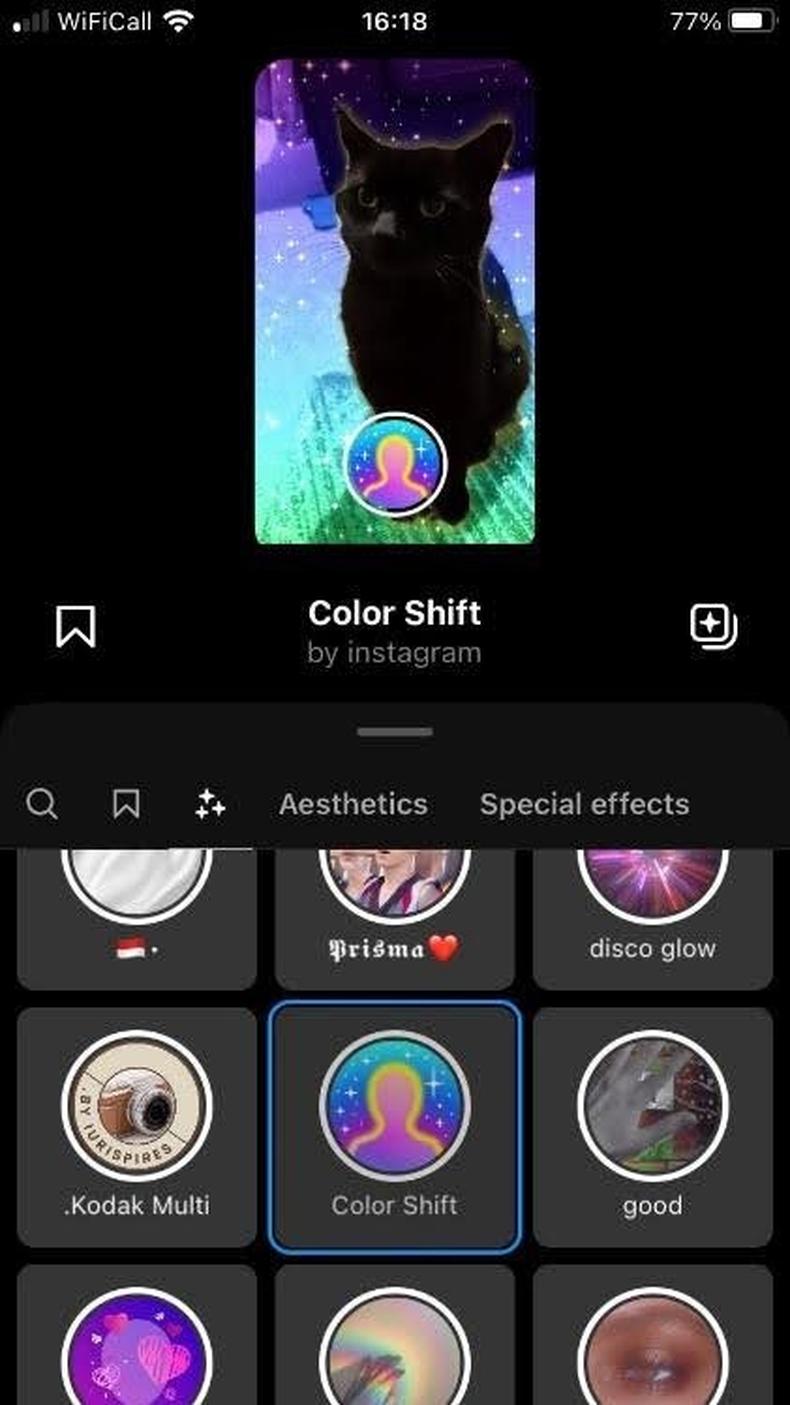
 Effects
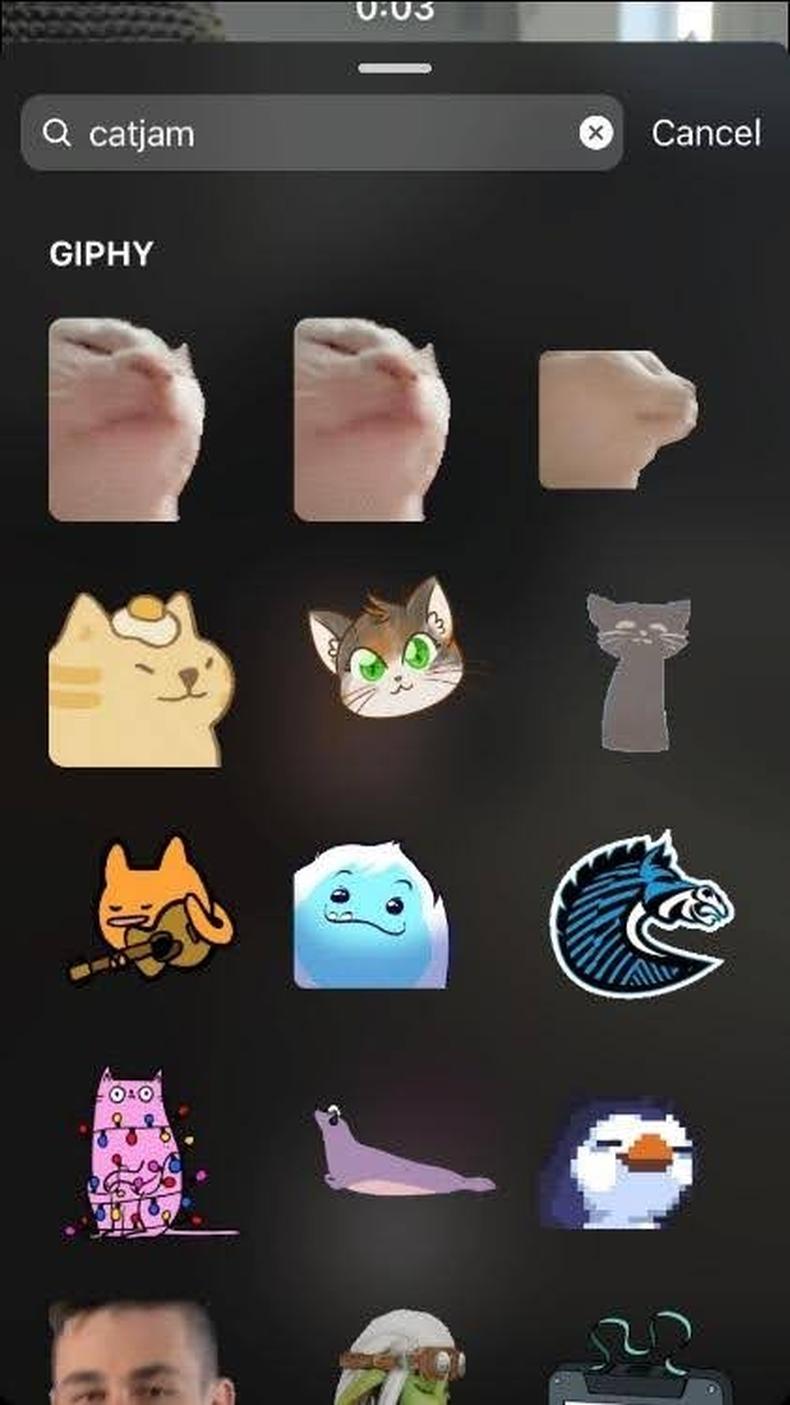
 Stickers
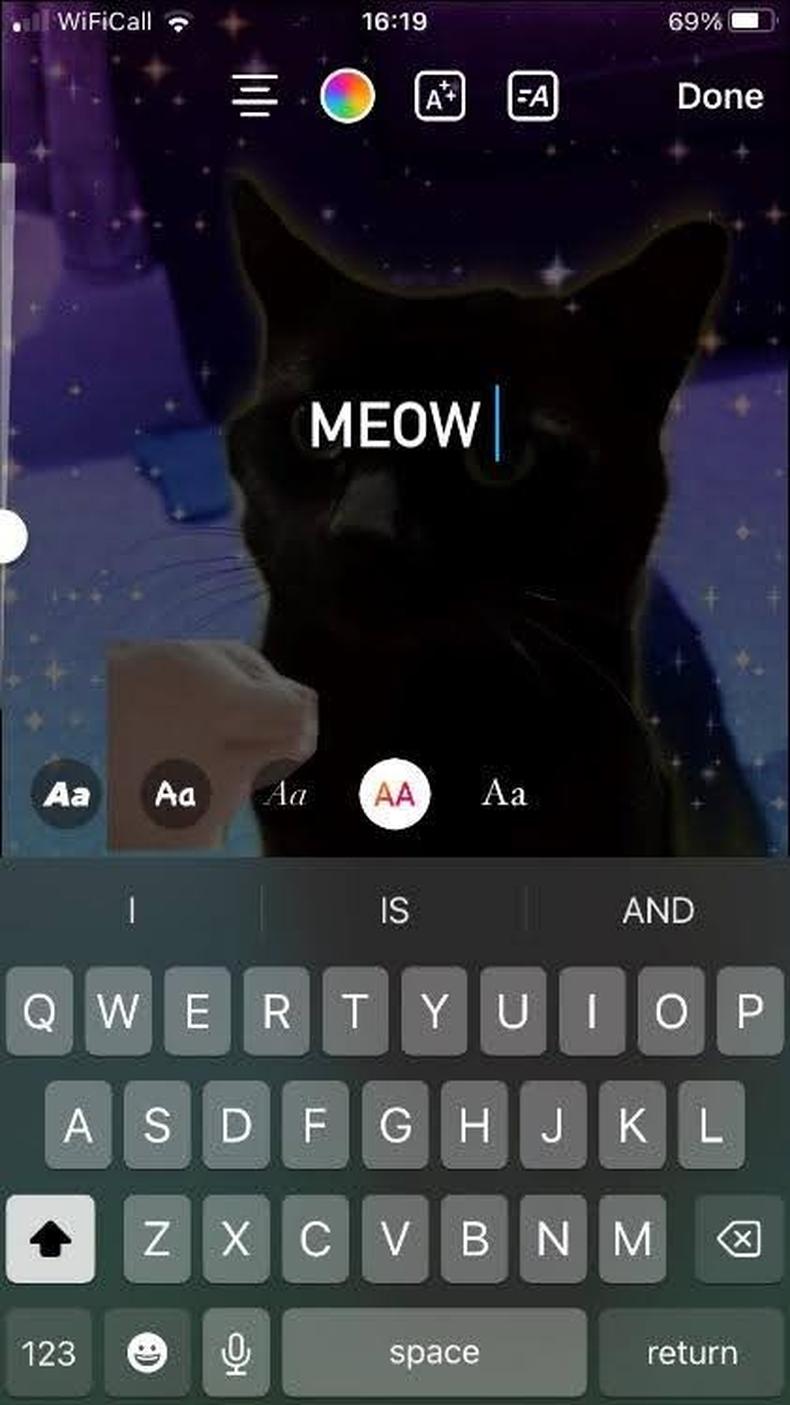
 Text
Text
Editing can also add:
- Transitions (use different effects to transition from one clip to the next)
- Split clips (use split screens to show two or more images or videos at once)
- Speed alterations (adjust the playback speed on all or part of your Reel)
- Layout adjustments (change how and where new images or videos appear on the screen)
- Scale alterations (rescale, resize, or crop your content)
- Voiceovers (add your own recorded voice clips over all or part of your Reel)
At the posting stage, you need to decide how to package your Reel with the following:
- A cover photo
- A caption
- A location
- Hashtags
Next, think about your audience.
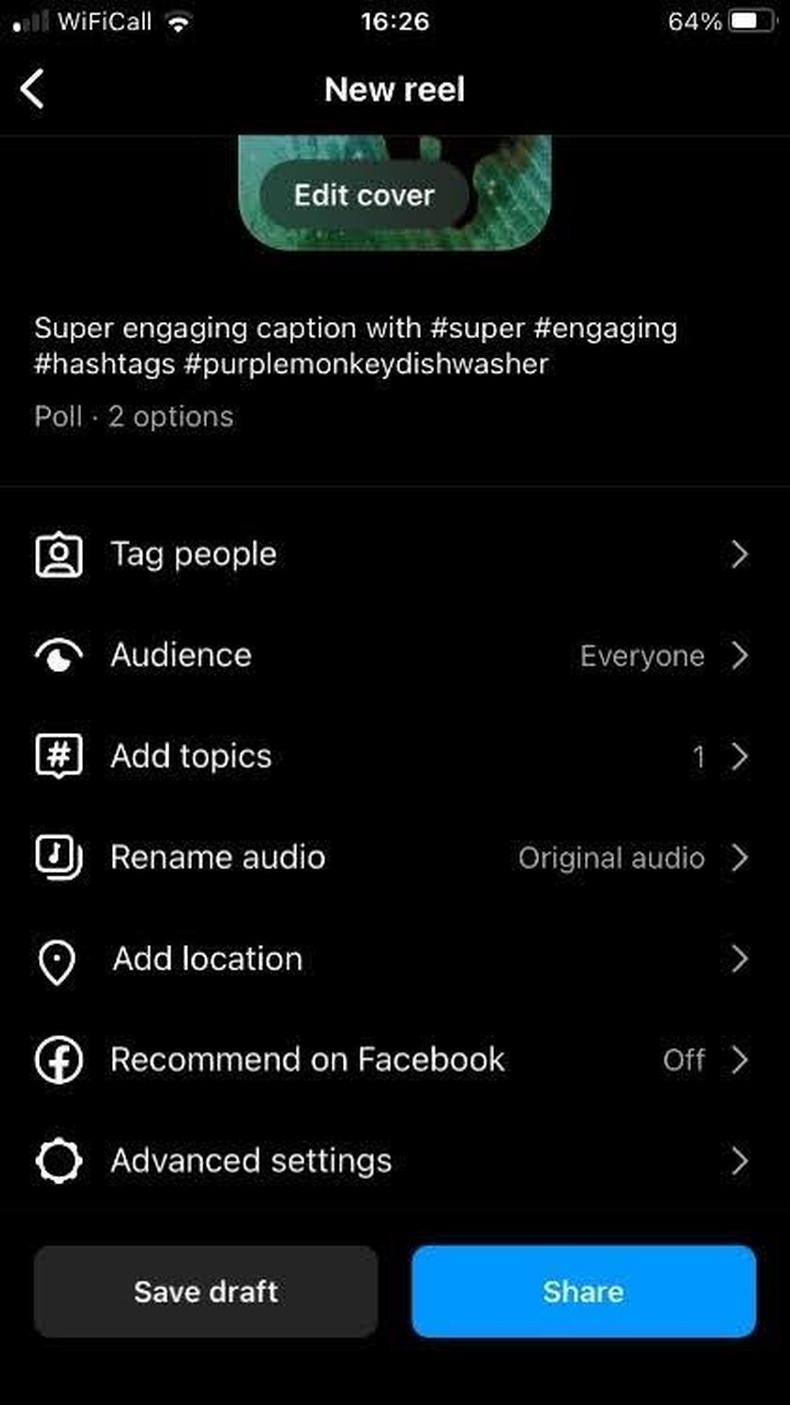
Audience is set to ‘Everyone’ as standard, and you’ll want to keep it that way for maximum reach. If you would rather keep your Reels circle small at first, switch ‘Everyone’ to ‘Close friends’.
Now tap ‘Save draft’ to finish up later or ‘Share’ to publish.
Now that you know the logistics of making Instagram Reels, it’s time to think about how you can make them exceptional. Why? Because following best practices and learning the ins and outs increases your chance of hitting it big.
1. Create an identity
Successful creators develop a brand identity that reflects their voice, goals, and audience.
To emulate this, answer these questions before posting:
- What is the aim of your content?
- What kind of style or tone should people expect?
- How does it align with your audience’s interests and needs?
2. Analyse and adapt
Study how your Reels perform and adapt them over time based on what works best.
You can analyse your Reels using the following in-app functions:
- ‘View Insights’ allows you to see how individual Reels are performing on key metrics, such as audience retention and views.
- ‘Insights’ is where you can check how Reels perform overall; you can organise them by comments, plays, shares, and more.
3. Target trends
A great way to go viral is by riding the coattails of what’s already proved a hit. Trends happen fast and finish faster, so stay abreast of what’s hot by:
- Checking Twitter trends
- Using Google Trends
- Noting songs, challenges, and other elements that keep popping up
- Browsing the Reels of your competition
4. Add text and captions
With the majority of people watching Reels on the go and a reported 75% watching mobile videos on mute, help them follow your drift by adding onscreen text and subtitles.
5. Be consistent
There’s no need to post every hour of every day, but consistency is key for reaching new audiences and keeping followers engaged. Between three and five Reels a week is the recommendation.
6. Experiment with formats
Staying true to your voice and relevant to your audience doesn’t mean you can’t experiment with formats. Examples include:
- Behind-the-scenes videos
- Collaborations
- Helpful listicles
- Contests and polls
- Tutorials
Making one type of content your go-to is fine, but occasional experiments keep things fresh and appeal to different users.
7. Size correctly
Reels are meant to be watched vertically on mobile devices, so have the golden numbers in mind when recording:
- Ideal aspect ratio: 16:09
- Ideal resolution: 1080x1920
8. Use targeted hashtags
Hashtags help categorise and share your content. Social media experts and other such eggheads are divided on the ideal number, but three to five per Reel seems optimal, and it’s best to use a mix of high-competition terms and low-competition terms to increase your ranking.
Consider using:
- Niche hashtags to reach the right people
- Location-specific hashtags to increase visibility in your area
- Trending hashtags to reach a wider audience and be part of the conversation
9. Engage your audience
Engagement metrics such as clicks, shares, follows, and comments tell the algorithm your content is worth sharing and are the first step to going viral. You can increase engagement by including a call-to-action (CTA) in your post with one (or several) of the following:
- Onscreen text
- Callouts in the video
- Captions or pinned comments
- Stickers
10. Interact
Once people start responding to your CTA, respond to comments, messages, and DMs to turn these viewers into followers and encourage further engagement.